mirror of
https://github.com/barsdeveloper/ueblueprint.git
synced 2026-02-15 17:54:52 +08:00
 6ba2705386
* Fix node reference when changing elements

* Fix ScriptVariables parsing

* Fix invariant text and niagara types

* Niagara convert nodes

* Move node tests to own files

* More Niagara tests

* Niagara float and smaller fixes

* More Decoding

* More decoding

* WIP

* Float is real

* WIP

* More types and colors

* Test case and small polish

* WIP

* WIP

* Fix niagara script variables merging

* Fix Niagara variables

* Fixing mirrored ExportPath

* Fix Export paths name adjustments

* Simplify arc calculation

* Simplify a bit arc calculation

* source / destionation => origin / target

* Minor refactoring

* Fix switched link position

* Rename some properties for uniformity

* Fix input escape

* Simplify test

* About window

* Dialog backdrop style

* About dialog touches

* Remove dependency and minot improvement

* Light mode

* Fix link location and css small improvement

* Link direction and minor fixes

* Some minor fixes and refactoring

* Refactoring WIP

* Shorting repetitive bits

* More tests

* Simplify linking tests
61 lines
1.8 KiB
Markdown
Executable File
61 lines
1.8 KiB
Markdown
Executable File
# UEBlueprint
|
|
|
|
A stand alone implementation of the UE's Blueprint visual language editor
|
|
|
|
https://www.npmjs.com/package/ueblueprint
|
|
|
|
## Features:
|
|
|
|
- Intercommunicates with UE (can copy nodes both ways).
|
|
- Can be used as a WEB library to visualize and interact with Blueprint graphs.
|
|
- Graph shown is pixel-similar to how it appears in UE.
|
|
- Graph behaves the same way as it does in UE (with the default settings).
|
|
- All the information shown in he graph is just the one embedded in the serialized text.
|
|
|
|
## Demo:
|
|
|
|
### [Try it!](https://barsdeveloper.github.io/ueblueprint/)
|
|
|
|
[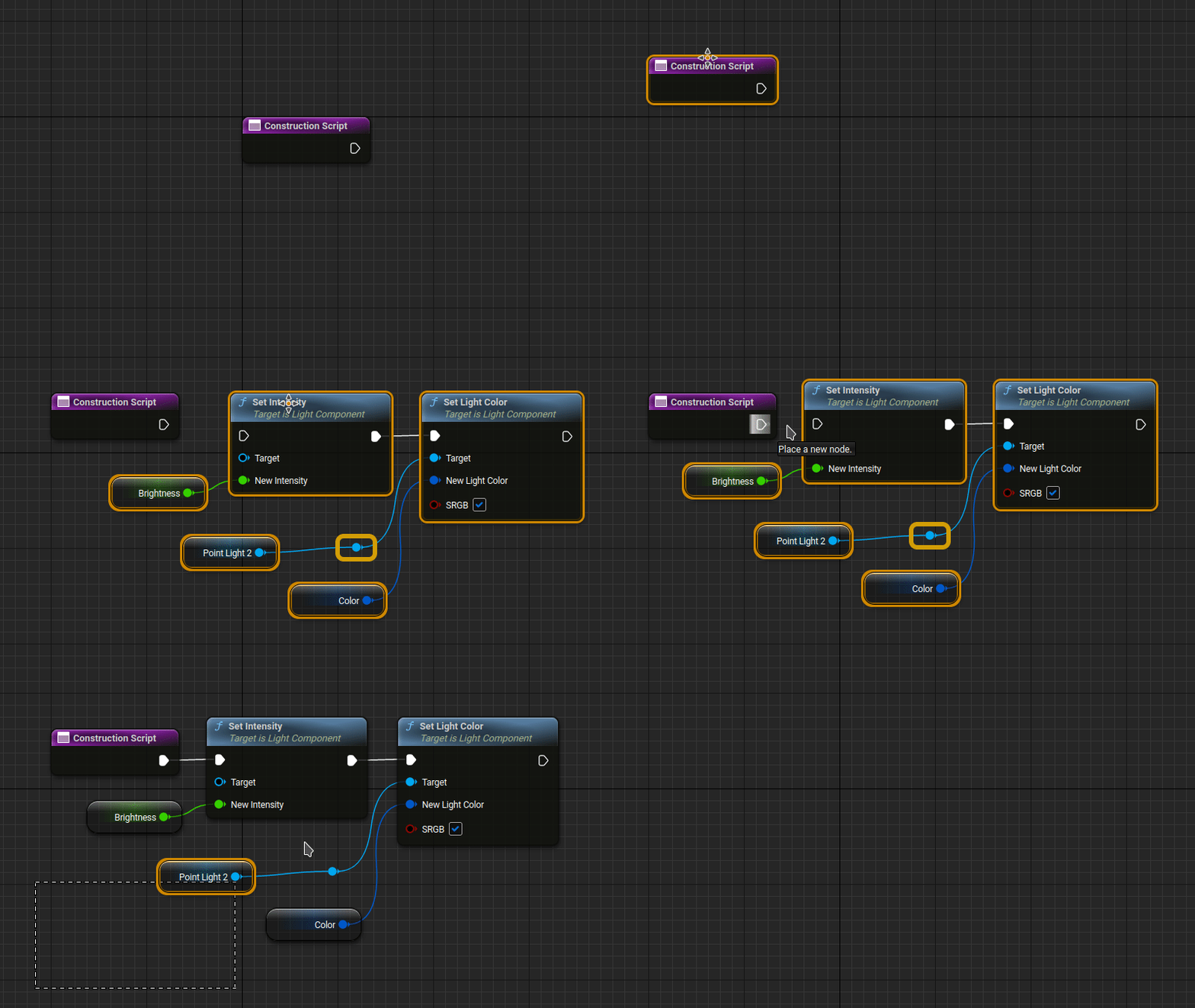](https://barsdeveloper.github.io/ueblueprint/)
|
|
|
|
## Getting started:
|
|
|
|
### Run locally
|
|
1) Open a terminal in the main folder.
|
|
2) Run the following commands.
|
|
```sh
|
|
npm install
|
|
npm run build
|
|
npx http-server
|
|
```
|
|
3) Open the link you see in the last message printed.
|
|
|
|
### Use in a web page
|
|
|
|
You can check `index.html` for a working example, the main steps are the following:
|
|
1. Make the `dist` directory available in your website by copying it or installing through npm `npm i ueblueprint`.
|
|
2. Include `dist/css/ueb-style.min.css` stylesheet in your page.
|
|
3. Define eventual CSS variables.
|
|
```HTML
|
|
<style>
|
|
ueb-blueprint {
|
|
--ueb-height: 500px;
|
|
}
|
|
</style>
|
|
```
|
|
4. Import the class Blueprint in JavaScript (this library uses modules).
|
|
```HTML
|
|
<script type="module">
|
|
import { Blueprint } from "./dist/ueblueprint.min.js"
|
|
</script>
|
|
```
|
|
5. Define your blueprint by writing the code inside a `template`, inside a `ueb-blueprint` element.
|
|
It can have light background using the following CSS class: `<ueb-blueprint class="ueb-light-mode">`
|
|
```HTML
|
|
<ueb-blueprint>
|
|
<template>
|
|
...
|
|
</template>
|
|
</ueb-blueprint>
|
|
```
|