mirror of
https://github.com/barsdeveloper/ueblueprint.git
synced 2026-02-04 08:50:33 +08:00

59 lines
1.7 KiB
Markdown
59 lines
1.7 KiB
Markdown
# UEBlueprint
|
|
|
|
A stand alone editor implementation of the UE's Blueprint visual language. (WIP)
|
|
|
|
## Features:
|
|
|
|
- Intercommunicates with UE (can copy nodes both ways).
|
|
- Can be used as a WEB library to visualize, interact and modify Blueprint graphs.
|
|
- Can be used inside VS Code to operate directly on files from a UE project (in the future).
|
|
- Graph shown is pixel-similar to how it appears in UE.
|
|
- Graph behaves the same way as it does in UE (with the default settings).
|
|
- All the information shown in he graph is just the one embedded in the serialized text (in VS Code it should be able to access assets also).
|
|
- Modern object oriented, clean, JavaScript codebase.
|
|
|
|
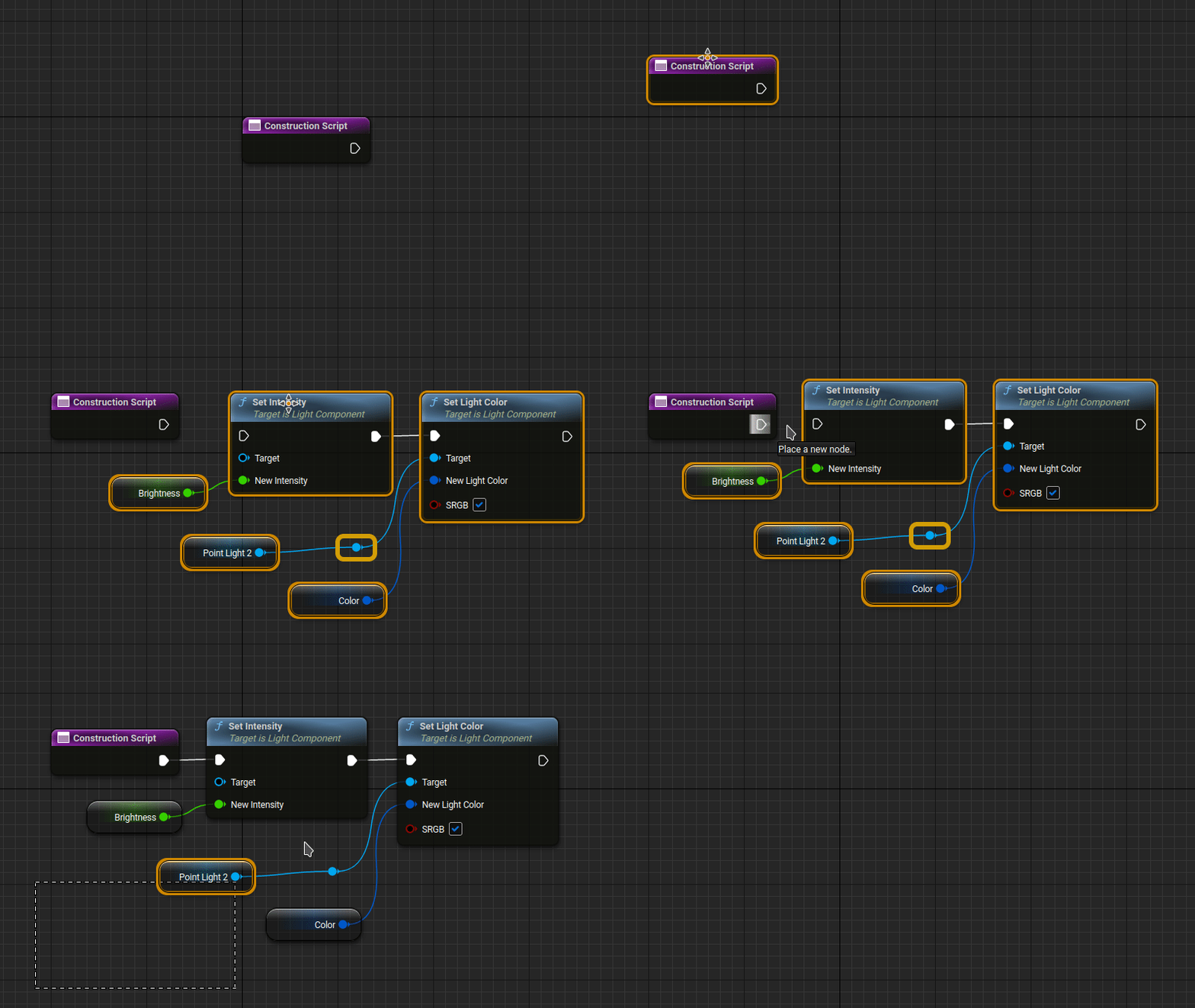
## Demo:
|
|
[Try it!](https://barsdeveloper.github.io/ueblueprint/)
|
|
|
|
|
|
|
|
|
|
## Getting started:
|
|
|
|
### Run locally
|
|
1) Open a terminal in the main folder.
|
|
2) Run the following commands.
|
|
```sh
|
|
npm install
|
|
npm run build
|
|
npx http-server
|
|
```
|
|
3) Open the link you see in the last message printed.
|
|
|
|
### Use in a web page
|
|
|
|
You can check `index.html` for a working example, the main steps are the following:
|
|
1. Include `dist/css/ueb-style.css` stylesheet in your page.
|
|
2. Define eventual CSS variables.
|
|
```HTML
|
|
<style>
|
|
ueb-blueprint {
|
|
--ueb-height: 500px;
|
|
}
|
|
</style>
|
|
```
|
|
3. Import the class Blueprint in JavaScript (this library uses modules).
|
|
```HTML
|
|
<script type="module">
|
|
import { Blueprint } from "./dist/ueblueprint.js"
|
|
</script>
|
|
```
|
|
4. Define your blueprint the by just writing the code inside a `ueb-blueprint`, inside a `template` element.
|
|
```HTML
|
|
<ueb-blueprint>
|
|
<template>
|
|
...
|
|
</template>
|
|
</ueb-blueprint>
|
|
```
|